Wi-Fi Setup on iOS Phones
This article contains instructions for students and employees setting up wi-fi on iOS phones and devices.
EKU’s campus buildings are equipped with wi-fi network access, which can be used by any employee or student with an active e-mail account through the university. The following instructions will assist you in connecting your iPhone, iPod Touch, or iPad to our secure wi-fi network.
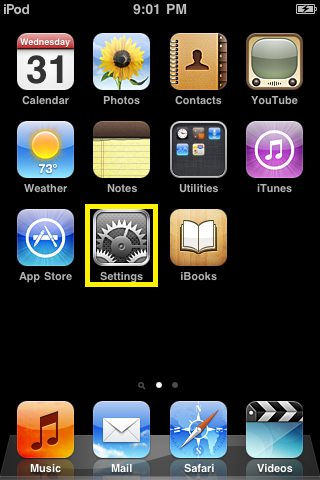
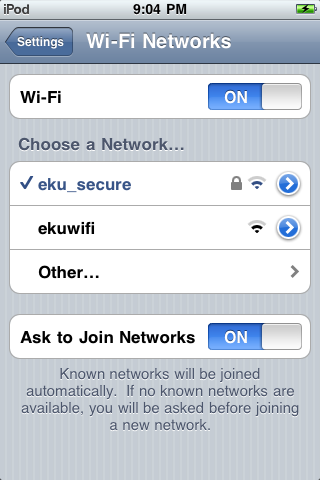
Go to Settings
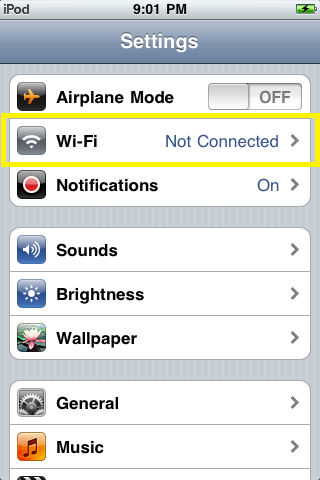
Tap on Wi-Fi
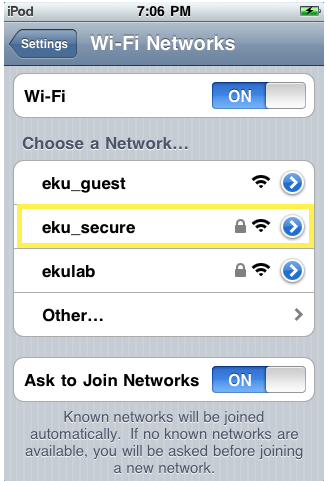
Select eku_secure from the network list
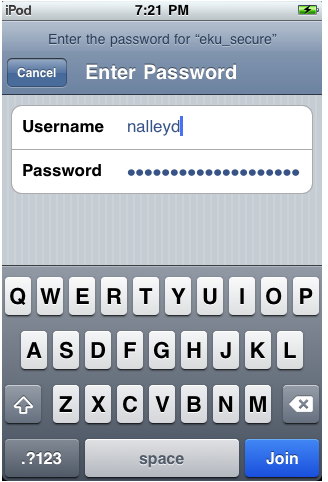
Type in your username and password
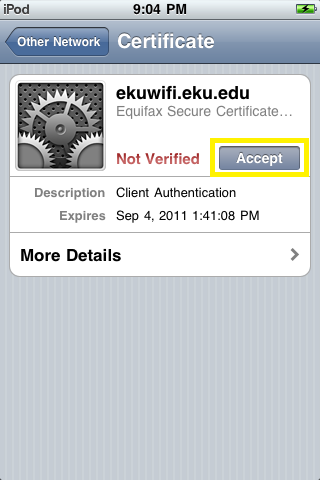
Tap Accept when prompted about the Certificate
You should now be connected to EKU’s secure wi-fi network
Contact Information
IT Help Desk
622-3000
